


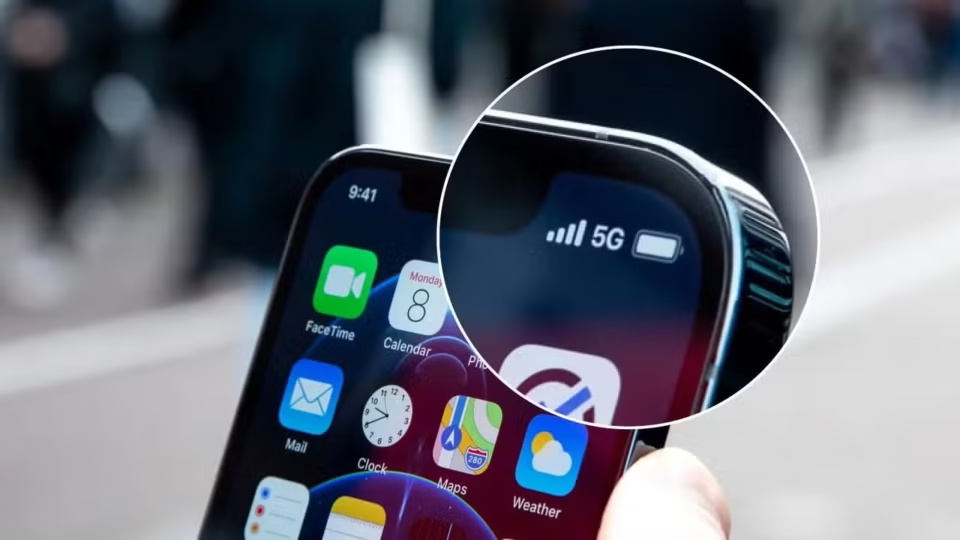
How to Enable 5G on Your Smartphone in Pakistan
As 5G services continue to expand across Pakistan, more users are looking for ways to access faster mobile internet on their devices. Telecom operators have gradually introduced 5G coverage in selected cities and locations, making it important for users to ensure their phones are properly configured.
What You Need to Use 5G
To access 5G services, users must have:
- A 5G-compatible smartphone
- Active 5G coverage in their area
- Updated device software
- Correct network settings
- A compatible SIM card
It is important to note that a 4G-only smartphone cannot be upgraded to 5G through software updates. The device must include built-in 5G hardware and support the network bands used by local operators.
Users with imported smartphones should verify the exact model number, as different regional versions may support different network frequencies.
Check 5G Coverage in Your Area
Before changing any settings, users should confirm whether 5G service is available in their location.
Telecom operators such as Jazz and Zong provide coverage information through their official platforms. However, actual signal strength may vary depending on factors such as distance from network towers, building structures, terrain, weather conditions, and network traffic.
If 5G service is unavailable in a particular area, the device will automatically remain connected to a 4G network.
Verify Device Compatibility
Users should check whether their smartphone supports 5G and is compatible with their network provider.
To find the device model:
Android: Settings > About Phone
iPhone: Settings > General > About
After identifying the model number, users can compare it with the list of supported devices provided by their mobile operator.
How to Enable 5G on iPhone
iPhone users can activate 5G by following these steps:
- Open Settings
- Tap Cellular
- Select Cellular Data Options
- Tap Voice & Data
- Choose 5G Auto or 5G On
The 5G Auto option allows the device to switch between 5G and LTE networks based on signal quality and battery efficiency.
How to Enable 5G on Samsung Phones
Samsung users can enable 5G through network settings:
- Open Settings
- Tap Connections
- Select Mobile Networks
- Open Network Mode
- Choose a mode that includes 5G
On many Samsung devices, the option appears as:
5G/LTE/3G/2G (Auto Connect)
If the option is unavailable, the device may require a software update or may not support 5G on the selected network.
How to Enable 5G on Other Android Devices
For most Android smartphones:
- Open Settings
- Go to Mobile Network, SIM Settings, or Network & Internet
- Select the SIM used for mobile data
- Open Preferred Network Type
- Choose an option that includes 5G
Dual-SIM users should ensure that mobile data is assigned to the SIM card connected to a 5G-enabled network.
Keep Your Software Updated
Software updates often include improvements related to network compatibility and carrier settings.
iPhone: Settings > General > Software Update
Android: Settings > Software Update
After installing updates, restart the device and review network settings again.
Check SIM and Mobile Data Settings
Users should verify that:
- Mobile data is enabled
- The correct SIM card is selected for data usage
- The SIM card supports 5G services
Older SIM cards may need replacement before accessing next-generation mobile networks.
Why 5G May Not Appear
Several factors can prevent a device from connecting to 5G:
- No 5G coverage in the area
- Device compatibility limitations
- Outdated software
- Incorrect network settings
- SIM card issues
- Mobile data assigned to the wrong SIM
Why Phones Sometimes Switch Back to 4G
It is normal for smartphones to switch between 5G and 4G networks.
This can happen when users move outside a coverage zone, enter buildings with weaker signals, or travel through areas where 5G availability is limited. Some devices also switch to 4G automatically when data usage is low to improve battery life.
As 5G infrastructure continues to expand across Pakistan, users can expect wider coverage and improved connectivity in the coming years.
