


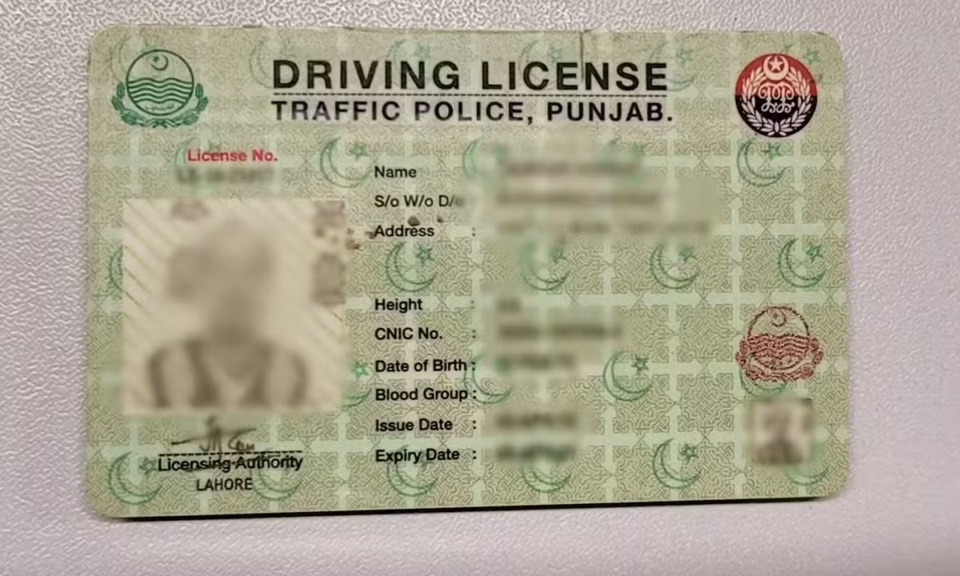
How to renew your driving license through the Dastak App in Punjab
Punjab residents can now renew their regular driving licenses online using the Dastak App, as license services have been integrated with the DLIMS system.
The digital service allows users to complete the process from home, including application submission, document upload, fee payment, and application tracking without visiting licensing centres.
What is Dastak license renewal?
The Dastak App’s driving license renewal service enables citizens to renew their regular driving licenses through an online process linked with DLIMS. After submission, applications are verified and processed through the official system.
Who can apply?
Applicants are eligible if they:
- Hold a valid regular driving license
- Have an expired or soon-to-expire license
- Have a valid CNIC linked with DLIMS
- Can provide required documents and payment through PSID
Documents required
Applicants should prepare the following:
- Recent passport-size photograph
- CNIC (front and back)
- Existing driving license (front and back)
- Medical certificate (if required for applicants above 50 years)
- Valid mobile number and email address
How to apply via Dastak App
Step 1: Download and log in
Install the Dastak App and sign in or create an account.
Step 2: Select service
Go to the driving license section and choose “Regular License Renewal.”
Step 3: Fill application form
Enter personal details including CNIC and license number carefully.
Step 4: Upload documents
Upload required documents such as CNIC, license copies, and photo.
Step 5: Generate PSID
Create a PSID to pay the renewal fee.
Step 6: Pay fee
Pay through mobile banking, ATM, or online banking using the PSID.
Step 7: Submit application
After payment, submit the application for processing.
Step 8: Track status
Monitor application updates through the app or DLIMS tracking system.
Step 9: Receive license
Once approved, the renewed license is processed and delivered as per official procedure.
Important points
- Apply before expiry to avoid late fees
- Ensure all details and documents are correct
- Use clear images for upload
- Save payment receipt or screenshot
- Track application regularly
Final note
The Dastak App has simplified the driving license renewal process in Punjab by shifting most steps online. However, accuracy in documents and timely submission remain important to avoid delays.
